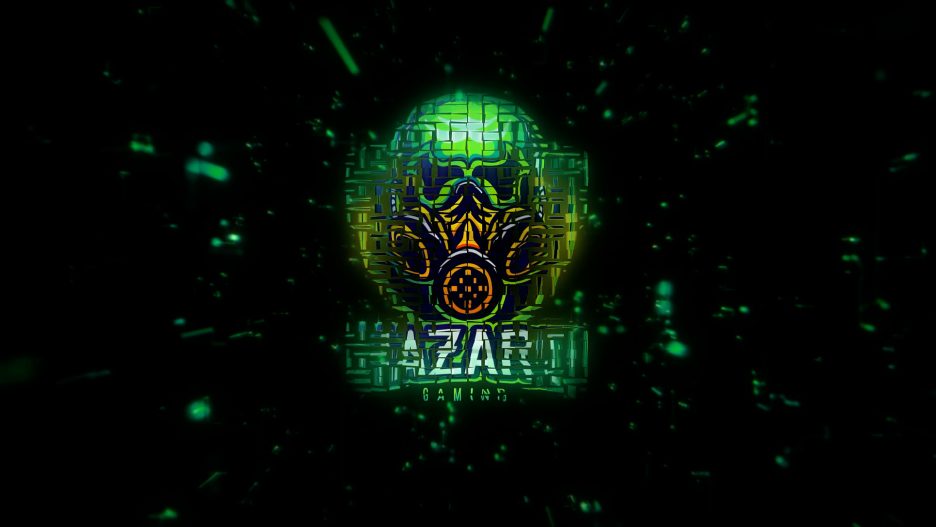
Give your brand a fierce, tech-forward entrance with the Glitch Digital Logo Reveal Intro. This cinematic sting mixes datamosh-inspired transitions, RGB splits, scanlines, pixel noise, and signal-break artifacts to deliver a punchy, modern identity. Built natively for After Effects CC 2018 and above, it needs no third-party plugins, renders quickly, and stays lightweight at just ~14 MB—ideal for creators who want impact without the bloat.
Why You’ll Love It
Instant attitude: Glitch bursts, digital noise, and sync’d impacts make even a simple logo feel premium.
Zero plugins: 100% native AE effects—no Optical Flares, Particular, or Element 3D required.
Fast workflow: Drop in your logo, tweak a few controls, and you’re export-ready in minutes.
Brand-ready: One-click color controls to match your palette (primary, secondary, and accent tints).
Key Features
Resolution: Full HD 1920 × 1080 (easy to upscale to 4K)
Compatibility: After Effects CC 2018+
Plugins: No Plugins Required
Ease of Use: Drag-and-drop logo + editable tagline
Render: Fast render on modern systems (GPU/MFR friendly)
Customization: Colors, glitch intensity/frequency, RGB split, scanlines, grain, vignette, background
Tutorials: Link to Tutorial Page for Editing Templates
Audio: Music included (royalty-free, whooshes + final hit synced)
File Size: ~14 MB
What’s Included
Glitch_Digital_Logo_Reveal.aep(CC18+)LOGOplaceholder comp (supports PNG/AI/SVG/EPS)TAGLINEtext comp (toggle on/off)Global Controls layer with labeled sliders and color pickers
Pre-timed WAV/MP3 soundtrack (48 kHz)
Quick Start PDF + link to the full tutorial page
Customization Controls
Brand Colors: Primary/Accent/Background tints
Glitch Engine: Intensity, frequency, randomness seed
RGB Split: Amount and vertical/horizontal bias
Scanlines & Noise: Strength, size, and blend
Glow/Vignette: Amount and falloff for a cinematic finish
Background: Solid, gradient, or transparent (for overlays)
Timing: 5–9 s recommended; easily stretch/trim to fit your cut
How to Use (Step-by-Step)
Open the project in After Effects CC 2018+.
Import your logo (transparent PNG or vector AI/SVG for best edges).
Replace the placeholder in the
LOGOcomp and scale to fit the frame.Edit the
TAGLINEcomp (optional) for a slogan or URL.Style it: Use the Controls layer to set colors, glitch density, RGB split, scanlines, grain, and glow.
Preview; fine-tune timing if needed.
Render:
Web: H.264 (Match Source – High Bitrate)
Transparency: ProRes 4444 / DNxHR 444 (RGB + Alpha)
Ideal Use Cases
Gaming/eSports intros and streaming stingers
Tech startups, cybersecurity, and fintech branding
App and product launch teasers
Event openers for hackathons and conferences
YouTube/TikTok/Reels bumpers (crop to 1:1 or 9:16)
Technical Specs
Duration: 5–9 s (fully editable)
Frame Rates: 23.976 / 24 / 25 / 29.97 / 30 fps
Color Space: sRGB / Rec.709 friendly (linear-ready)
Bit Depth: 16–32-bit capable (defaults optimized for speed)
Fonts: Uses system fonts; no installs required
Project Structure: Clean, labeled comps & precomps
Performance Tips
Enable GPU acceleration and Multi-Frame Rendering (AE Preferences).
For speedy previews, disable motion blur and camera DOF until the final render.
Keep logos ≥ 2000 px or use vectors; enable Continuously Rasterize for AI/SVG.
Export vertical? Switch comp to 1080 × 1920, reframe logo and text, and adjust safe margins.
FAQ
Do I need plugins like Particular or Optical Flares?
No—this template is 100% native to After Effects.
Can I use text instead of a logo?
Yes—swap the logo layer for a text layer or outlined text.
Will it scale to 4K?
Absolutely—set the master comp to 3840 × 2160 and scale assets; vector logos remain razor-sharp.
Is the music included and cleared?
Yes—a royalty-free track is included and synced to the animation’s hit.
Troubleshooting
Jagged logo edges: Use a transparent PNG or vector AI/SVG; avoid JPEG logos.
Colors shift on upload: Export in Rec.709 and disable extra LUTs in your NLE/platform.
Timing feels off after edits: Keep the final impact aligned to the soundtrack’s hit marker.
Choppy previews: Lower preview resolution to Half/Quarter; restore for final output.
https://youtu.be/rOZnDM85rLU

