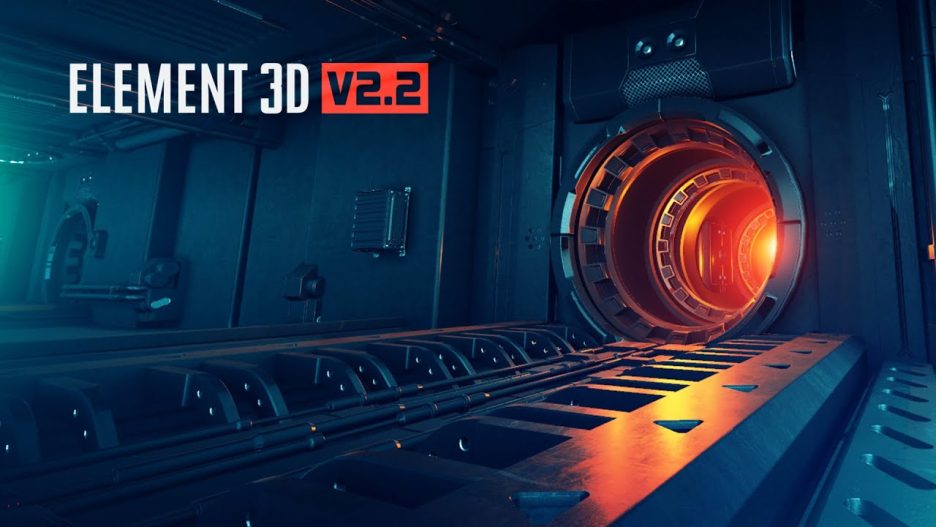
Element 3D V2 is a high-performance plug-in for Adobe After Effects that enables you to import, animate and render 3D models and particles directly inside After Effects. On the product page, it’s described as: “High Performance After Effects™ Plug-in for creating Motion Design & Visual FX!” (from the page) videocopilot.net
In effect, it lets motion-designers and VFX artists work with fairly complex 3D geometry, lighting, shading, animation and compositing within the familiar After Effects workflow — without needing to constantly switch to a full 3D application (though it can complement one).
Key Features & Capabilities
Here are some of the major features and capabilities that make Element 3D V2 noteworthy:
3D object import & rendering: The ability to bring in external 3D models (OBJ, C4D, etc) and render them inside After Effects, with real-time or near-real-time feedback.
Particle systems tied to objects: Not just simple particles; you can use 3D geometry as particles, or combine objects and particles to create complex effects.
Shaders & materials: The plug-in provides a library of materials and the ability to customise shaders, so you can control how surfaces look (metal, glass, plastic, etc), how they reflect light, and so on.
Lighting & shadows: Integrated lighting tools so that your 3D objects respond to lights and shadows inside After Effects; this helps with compositing realism.
Replicators / cloners: You can quickly replicate and arrange multiple copies of objects, create arrays, grids, radial arrangements, etc. Useful for motion-design effects like floors of objects, repeated elements.
Animation controls: Keyframeable parameters for rotation, position, scale, material changes; as well as special controls for particles and object-based effects.
Integration with After Effects workflow: Because it’s a native After Effects plug-in, you get to use familiar layers, pre-comps, masks, tracking, camera movements inside AE.
Performance focus: A major selling point is that it’s optimized for speed so that you can iterate more rapidly inside AE rather than waiting long renders in separate 3D software.
Why it’s useful / when to use it
Here are some scenarios where Element 3D V2 really shines:
Motion design work: Titles, logos, show-open animations, broadcast graphics, where you want depth, lighting, and 3D geometry but still stay inside After Effects.
VFX composites: Integrating 3D objects into live-action footage, matching lighting, shadows, reflections, etc.
Rapid prototyping: Because it’s faster than rendering full 3D scenes in dedicated software, you can iterate motion-design ideas more quickly.
Reuse & modification: You can import a model, apply different materials, animate it, change it — giving flexibility.
Visual styling: Designers who want “3D look” but maybe don’t have full 3D-software expertise can use this to achieve convincing results.
Considerations / Limitations
No tool is perfect for everything, so a few caveats when choosing Element 3D V2:
Complexity vs dedicated 3D software: While Element 3D is very capable inside AE, if you need extremely complex 3D simulations (fluid, cloth, particle physics at high fidelity) you may still need a full 3D application like Cinema 4D, Blender, etc.
Model optimisation: Because you’re working in After Effects, imported 3D models must be optimized (low-to-medium poly, good UVs, correct materials) to maintain performance.
Learning curve: If you’re used purely to After Effects 2D workflows, the 3D concepts (lighting, materials, depth, UVs) can require a learning step.
Hardware/GPU dependence: Performance sensors suggest that having a decent GPU helps to unlock the real speed advantages.
Licensing & cost: As shown, this is a paid plug-in (on the page it mentions price in the hundreds USD range depending on version) videocopilot.net
What the “V2” brings / Upgrades
Since this is version 2 (V2) of Element 3D, it includes improvements over earlier versions. While the product page doesn’t enumerate every feature difference in detail in the snippet I saw, typical benefits in a V2 would include:
Enhanced material/shader system
Better lighting/shadow integration
Expanded performance and rendering optimisation
More geometry/particle features (e.g., better replication, more options for object-instancing)
Perhaps improved workflow inside After Effects (UI tweaks, better compatibility with newer AE versions)
How you might apply it in a project
Here’s a hypothetical step-by-step workflow using Element 3D V2:
In After Effects, import/import or open your project where you want a 3D object or logo animation.
In a composition, create a new solid and apply the Element 3D V2 effect.
Load or import a 3D model (for example, your company logo extruded in 3D, or an object asset).
Assign materials/shaders from the Element 3D library or create custom ones (e.g., metal chrome, colored plastic, glass).
Set up lights and camera inside AE to match the aesthetic of your scene or the footage.
Use replicator/instance features if you want multiple copies of that object arranged in space (for example an array of logos, or a tunnel of geometry).
Animate the object: rotation, scale, position; animate material properties if desired (e.g., a metallic finish turning to glass).
Composite the result into your footage or motion-graphic sequence: adjust shadows, reflections, depth of field, motion blur — all managed within AE and Element.
Preview and render. Because Element 3D is performance-focused, you should get interactive feedback and faster renders compared to full 3D workflows.
Export final output as part of your After Effects render pipeline.
Why it stands out / Market positioning
Integration: Few tools allow such rich 3D model and particle rendering directly inside After Effects; many workflows require switching back-and-forth with 3D software.
Speed: The emphasis on performance is a big plus for motion designers who iterate quickly.
Flexibility: Because it handles both object-based and particle-based 3D within the same environment, you get a blend of motion graphics and VFX-type capability.
Community & ecosystem: Being from Video Copilot, there’s an ecosystem of tutorials, presets, model/asset packs, community support — which lowers the barrier for designers.

